Best PDF OCR Software for Windows PC
Whenever you scan any document or save any image as a PDF, it becomes that, AN IMAGE! You can not search for any text in that image, copy text, or edit them. This is where the OCR (Optical Character Recognition) knocks in. OCR is a smart technology in which your scanned PDF or image are processed to convert into editable and searchable content. In OCR, the alphabets are scanned through and recognized then the application rewrites it in a fresh form without any restrictions. This means you can take a scanned receipt, book page, or handwritten note and turn it into usable text in seconds.
On a Windows PC, having the right OCR PDF editor makes a huge difference. Whether you’re a student digitizing notes, a professional handling contracts, or someone organizing old paper files, OCR tools save you hours of retyping and improve productivity.
Let’s look at some of the best PDF OCR software for Windows PCs that can handle this job effectively
Daftar isi
1. Systweak PDF Editor
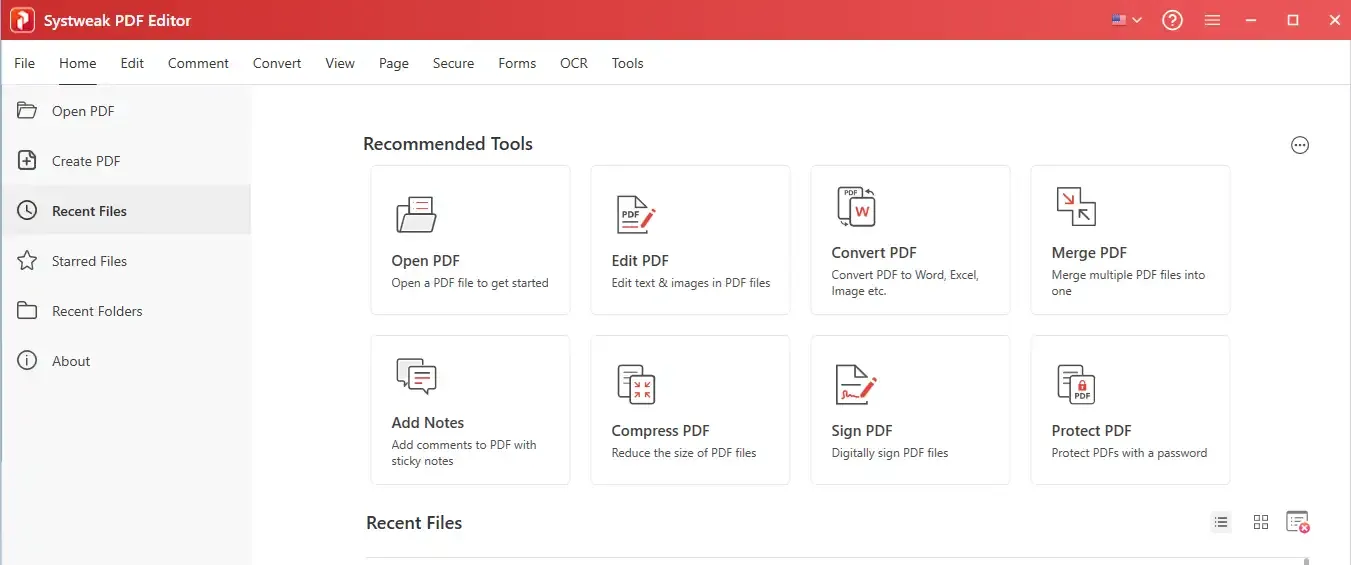
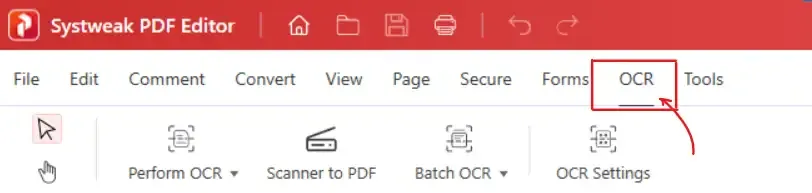
Systweak PDF Editor isn’t just a regular PDF editor with basic editing, it’s a complete PDF management tool with a strong OCR engine built in. It is mostly liked for its simple and beginner-friendly interface, while still packing in many advanced features. You don’t need to mess around with complicated settings, just open your scanned PDF, click OCR, and it instantly makes your file editable and searchable in a few seconds.
Key Features:
- OCR & Batch OCR: Converts scanned PDFs into searchable, editable documents quickly. One or many at a time.
- Multi-language OCR: OCR technology works on various languages.
- Feature Rich: From merge to split, annotate, reorder, add watermarks, secure PDFs, etc.
- Conversion: Convert PDFs to Word, Excel, PowerPoint, and other formats. And convert other formats into PDFs.
- User-friendly: Simple and clear interface to navigate for any task.
For someone who deals with scanned documents, this is one of the most practical OCR tools available.
2. Adobe Acrobat Pro DC
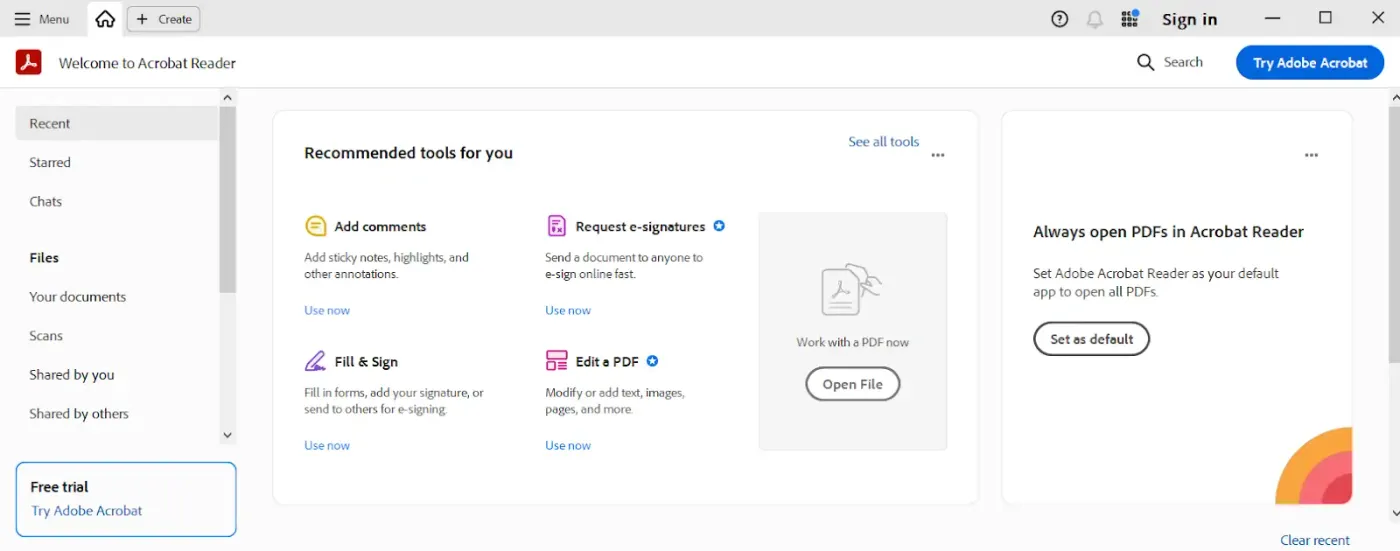
Adobe Acrobat has been the industry leader for good reason. Its OCR technology is highly accurate, especially for complex documents with tables and mixed formatting, it converts everything accurately. Occasional users might find it heavy on pockets but for enterprises and power users, it’s worth it.
Key Features:
- OCR: Potent OCR for complex layouts.
- Cloud integration: Sync files across different devices.
- Protection: Password and certificate protection.
- Advanced Editor: Many extensive editing and collaboration tools.
3. ABBYY FineReader PDF
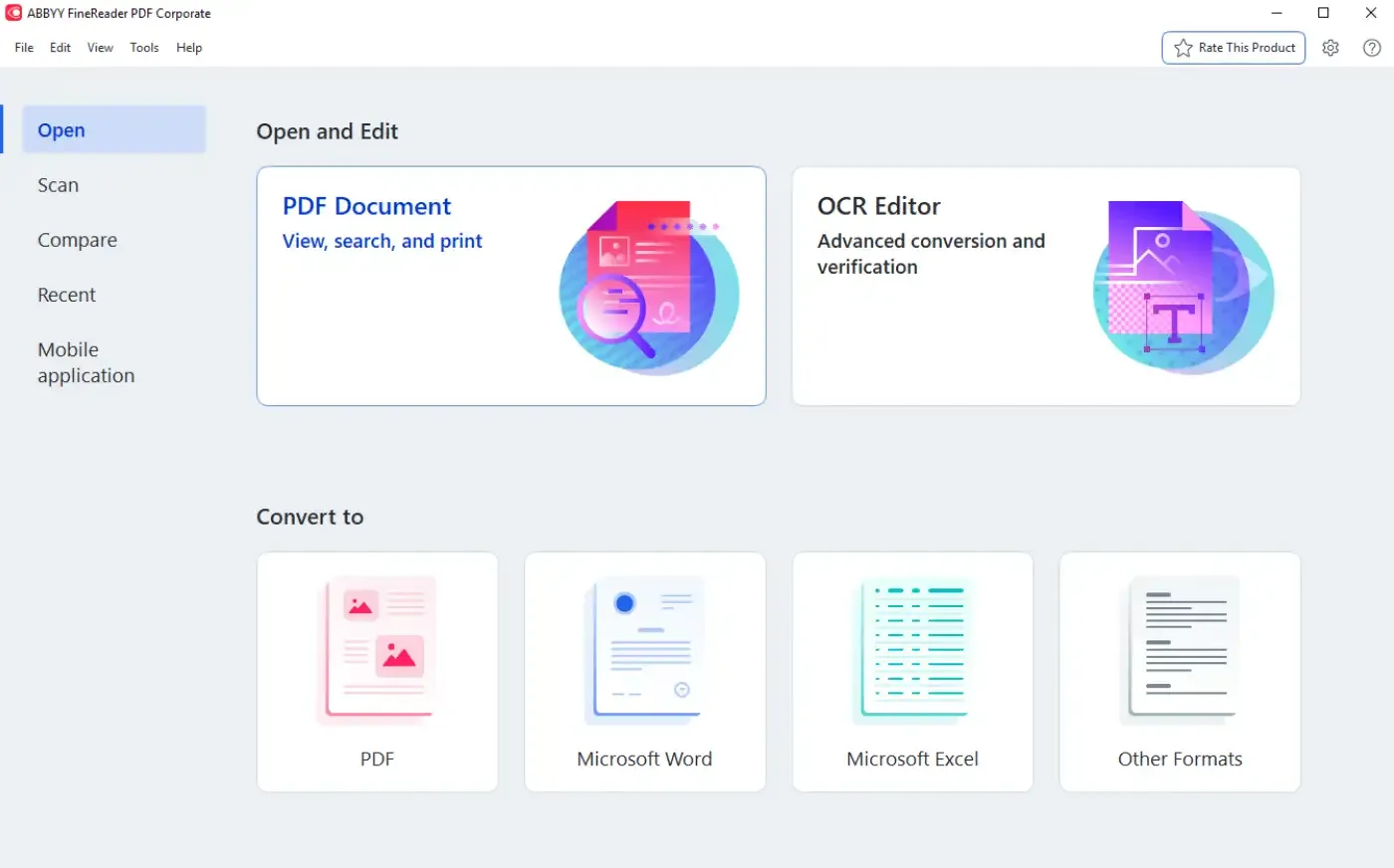
ABBYY is often ranked the gold standard for accuracy in OCR. It’s particularly good for businesses that deal with large volumes of scanned archives. FineReader preserves formatting exceptionally well while OCR.
Key Features:
- OCR: Processes OCR accurately.
- Conversion: Convert scans into fully editable Word, Excel, and searchable PDFs.
- Comparison: Document comparison tool to spot changes between versions.
- Multiple- language: Supports 190+ languages for OCR.
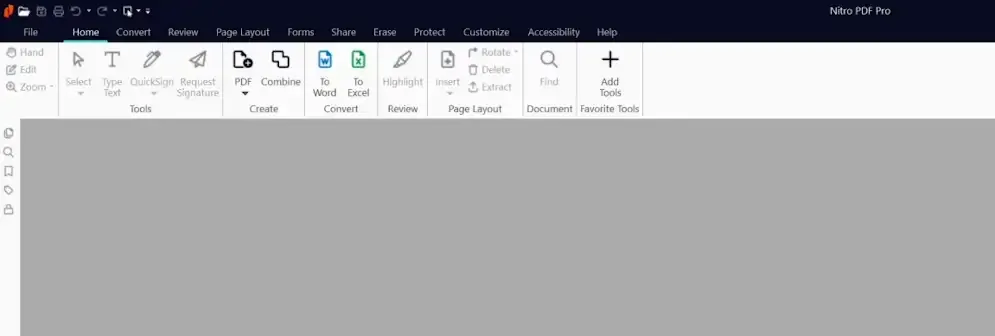
4. Nitro PDF Pro
Nitro PDF Pro is another renown alternative with a quality balance of editing tools and the OCR feature. It processes fast and is much lighter than Adobe, which makes it a good fit for small team collaborations and for professionals who want speed in their work and more than just OCR.
Key Features:
- OCR: Precise OCR for scanned PDFs.
- Advanced Editor: Advanced editing and e-signature support.
- Cloud storage: Blends well with Google Drive, OneDrive (cloud storage).
- Batch processing: Batch processing for converting multiple PDFs at once.
5. PDF-XChange Editor
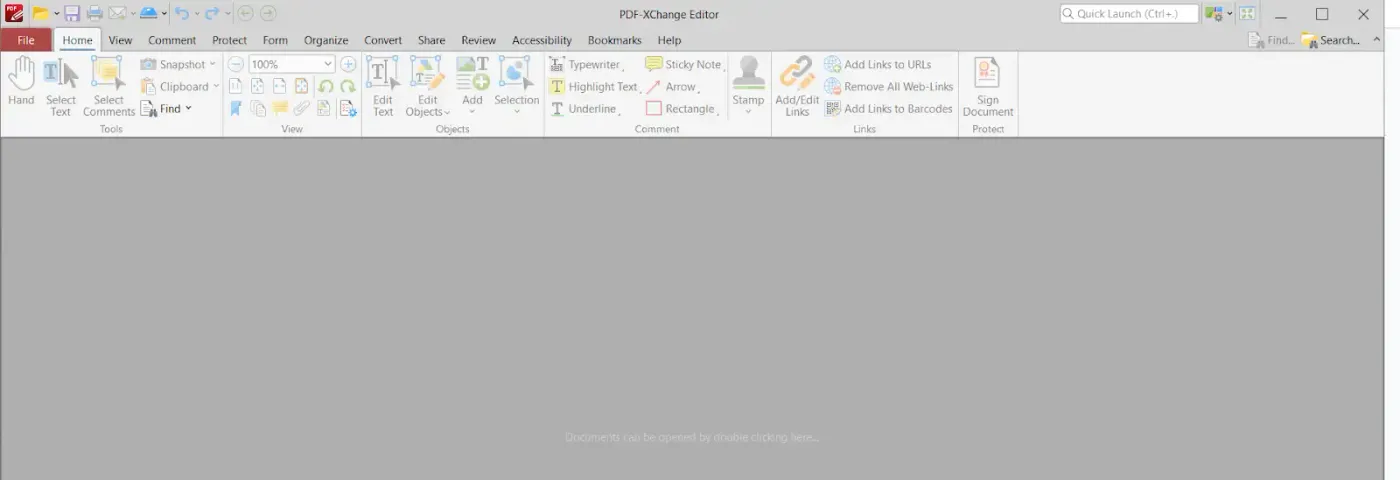
If you are looking for something light but competent, then PDF-XChange Editor can be a great pick. It offers so many features including OCR, annotation, and many other editing features in a compact package. It may not be very popular, but it gets the job done very efficiently.
Key Features:
- OCR: OCR makes scanned PDFs searchable.
- Great Collaboration: Add comments, highlights, and annotations.
- E-Sign: Supports digital signatures and encryption.
- Feature rich: Simple interface with lots of tools to get your work done.
Final Thoughts
Keep this in mind, make your choice according to your need, all these tools are great:
- Adobe & ABBYY – Are great for enterprises and heavy-duty work.
- Nitro & PDF-XChange – Are Great balance of features and price.
- Systweak PDF Editor – Is great for all-in-one options in light and affordable packages.
So make your life easier with any of these tools.
Meta Description:
Check out top 5 picks for OCR on Windows, to easily convert scanned PDFs into editable, searchable files.